Nothing comes ashore.
Click a video and it plays. Wharf reads the file from your server as the film runs.
Jump to the last reel and only those bytes cross the water. Your disk stays empty.
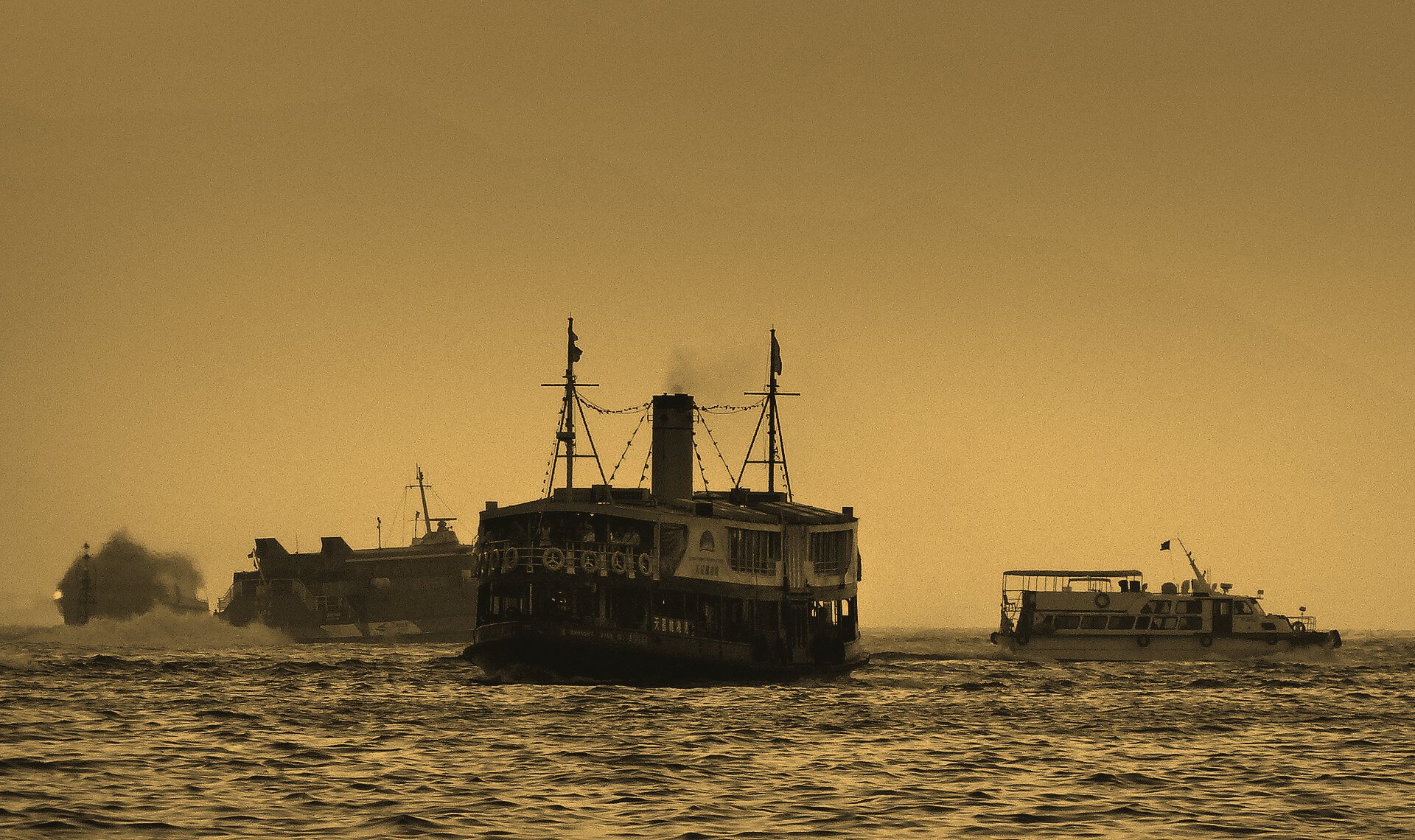
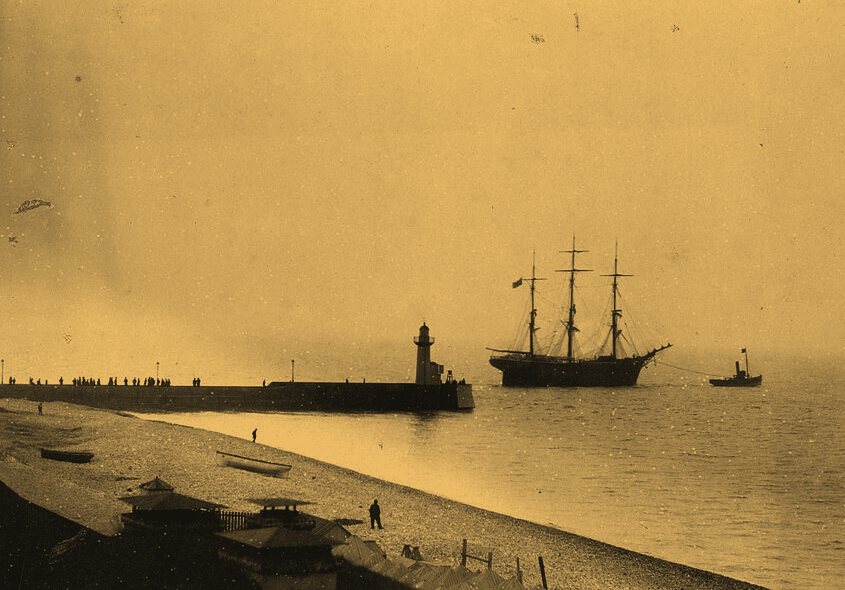
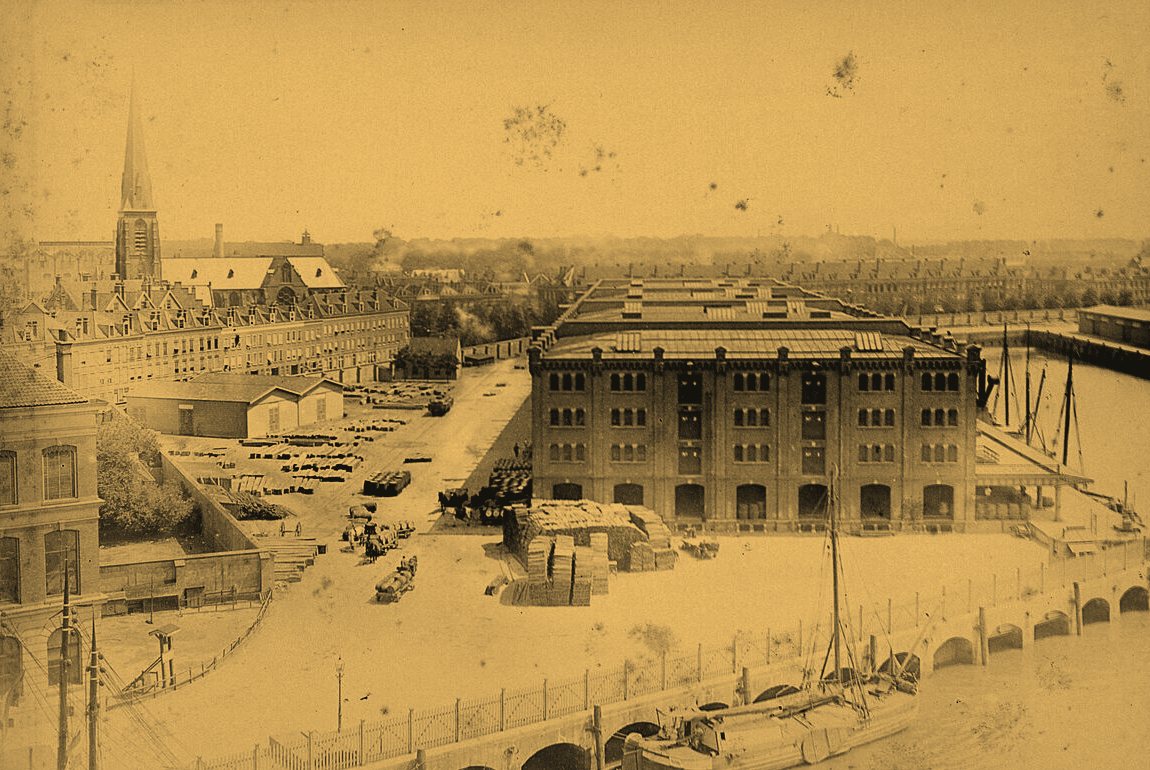
Evening on Hong Kong harbour.mkv
Seek anywhere, keep nothing
Drag the playhead. Wharf asks the server for the bytes from 3.53 GB of 8.41 GB onward and plays them as they arrive.
- Request to the server
Range: bytes=3532200000-- In flight
- 32 reads of 64 KiB
- Written to your Mac
- 0 bytes
From server to screen
To begin, add a server. Give it a label, host, port, user name and a password or key file. The password goes into the macOS Keychain, never into a file, a URL or your history. Test Connection logs in and tells you what really went wrong.
The first time you connect, Wharf shows the server’s fingerprint and asks before it trusts it. A key that changes later is refused. Wharf keeps its own list of known hosts and never touches the one in your home folder.

Trust box.example.net?
This is the first connection to this server, so its identity can’t be checked yet.
ssh-ed25519 fingerprint:
SHA256:q3Vw9kJ0bX2mN7rT4cYzL8eH1sPaUfG6dKiO5nWxB0E
Trust it only if you expect this server. If unsure, compare the fingerprint with your provider.
Press Use, and the Library opens the server’s default folder: breadcrumbs, sizes and dates, sorting by name or date, and a search box. Click a video and it plays. Wharf remembers the last folder you opened on each server.
/media/films
- Extras12 Oct 2026
- Evening on Hong Kong harbour.mkv8.41 GB · 3 Nov 2026
- Evening on Hong Kong harbour.en.srt94 KB · 3 Nov 2026
- The Entrepot dock, Amsterdam.mkv24.6 GB · 28 Oct 2026
- Tug and sailing ship at the pier.mp42.06 GB · 19 Oct 2026
Come back whenever you like, and Recents picks up where you stopped, with the audio track you chose. Less than five seconds in starts over, and the last ten seconds count as finished.
- Evening on Hong Kong harbour0:42:30 of 1:41:12 · 2 hours ago
- The Entrepot dock, Amsterdam1:35:10 of 2:14:05 · yesterday
- Tug and sailing ship at the pierFinished · 3 days ago
What it does
Playback
- Streams over SFTP
- Seeks without downloading
- Hardware decoding
- Speed from 0.5× to 2×
- Volume up to 130%
- Audio track menu
- Full screen
- Keeps the display awake
- Controls that get out of the way
Streaming, seeking, decoding and the controls, handled by mpv.
Subtitles
- Embedded tracks
- Files beside the video
- A file from your Mac
- Sync in 0.5 s steps
- Size
- Position
- Remembered between launches
Tracks in the file, files beside it or on your Mac, timed and placed to suit.
Library
- Saved servers
- Test Connection
- Trust on first use
- Three logins at most
- Last folder per server
- Sort by name or date
- Search this folder
- Symlinked folders
- Recents with resume
- Open by URL
Your servers, their folders and your place in every film.
Point at a feature to read what it does.
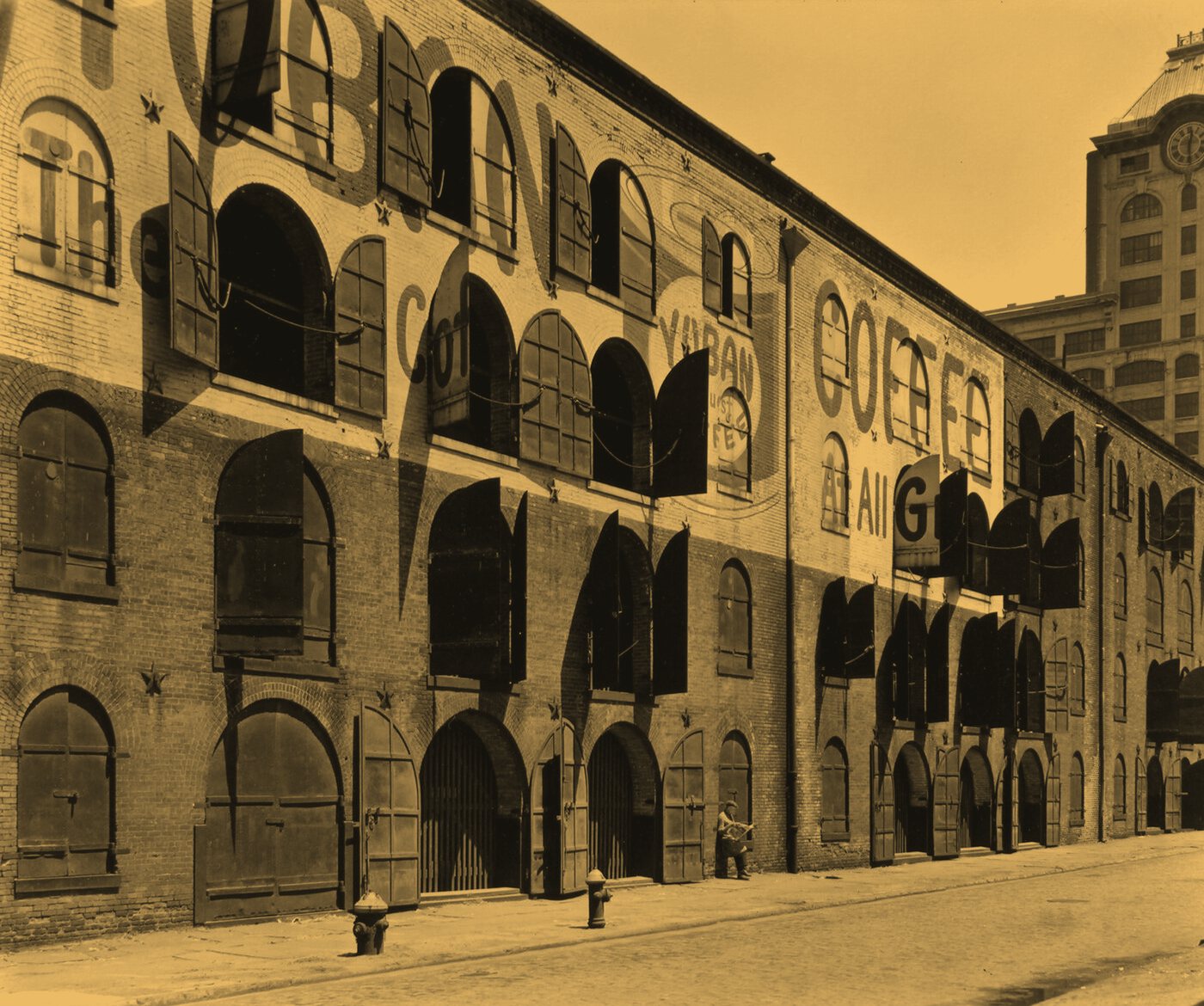
Water and Dock Streets, Brooklyn, 1936. A wharf painted its name across the brick, big enough to read from a ship. This page does the same.
Photograph by Berenice Abbott for the Federal Art Project, New York Public Library, public domain, recoloured.
Below deck, Wharf runs on mpv, FFmpeg, libssh, libass, SwiftUI and the macOS Keychain.
Keyboard shortcuts
| Key | Action | Where | Detail |
|---|---|---|---|
| In the player | |||
| Space | Play or pause | Player | Any time |
| Left, right | Seek | Player | 10 s |
| Shift with left, right | Seek further | Player | 60 s |
| Up, down | Volume | Player | Up to 130% |
| F | Full screen | Player | Or double-click |
| Anywhere in Wharf | |||
| Command O | Open a URL | Menu bar | sftp:// address |
| Command 1 | Library | Sidebar | Toggles |
| Command 2 | Servers | Sidebar | Toggles |
| Command 3 | Recents | Sidebar | Toggles |
| Left, right | Resize the sidebar | Divider | When focused |
| Home, End | Narrowest, widest | Divider | When focused |
Before you install
What do I need to run it?
A Mac with Apple silicon on macOS 26 or later, and a server you can reach over SFTP: a seedbox, a NAS or a VPS. Any server that speaks SSH will do.
Does Wharf download the file first?
No. A small proxy on your Mac fetches only the bytes the player asks for, with 32 reads in flight so the picture keeps up. Seeking jumps straight to the right place in the file, and nothing is written to disk.
Where does my password go?
Into the macOS Keychain. It is never written to profile files, URLs, recents or logs. Deleting a server removes its password or key passphrase from the Keychain too.
Why does macOS warn me when I open it?
Wharf is ad-hoc signed and not notarised yet. Right-click the app and choose Open, or run this once in Terminal:
xattr -dr com.apple.quarantine /Applications/Wharf.appWhich files does it play?
Anything mpv plays. The Library marks MKV, MP4, M4V, MOV, AVI, WebM, TS, M2TS, MTS, WMV, FLV, MPEG, OGV and 3GP as videos, and finds SRT, VTT, ASS and SSA subtitles beside them.
Is it free?
Yes. Wharf is free software under the GNU General Public License, version 3 or later. It bundles unmodified builds of mpv, FFmpeg and their libraries under their own licences, listed in the third-party notices with a written source offer.
Keep it offshore.
Wharf 1.0.0 for Apple silicon Macs. Free, open source, and your films never leave the server.
Download Wharf